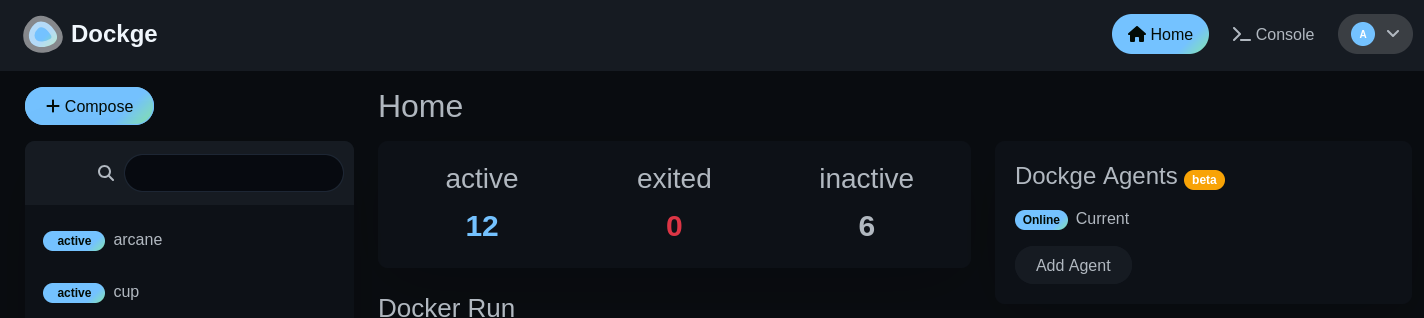

Self-hosted: Dockge
This is the first post in what will be an ongoing series about self-hosted apps that I personally use and add value to my life.
From the developer, Dockge is:
A fancy, easy-to-use and reactive self-hosted docker compose.yaml stack-oriented manager.
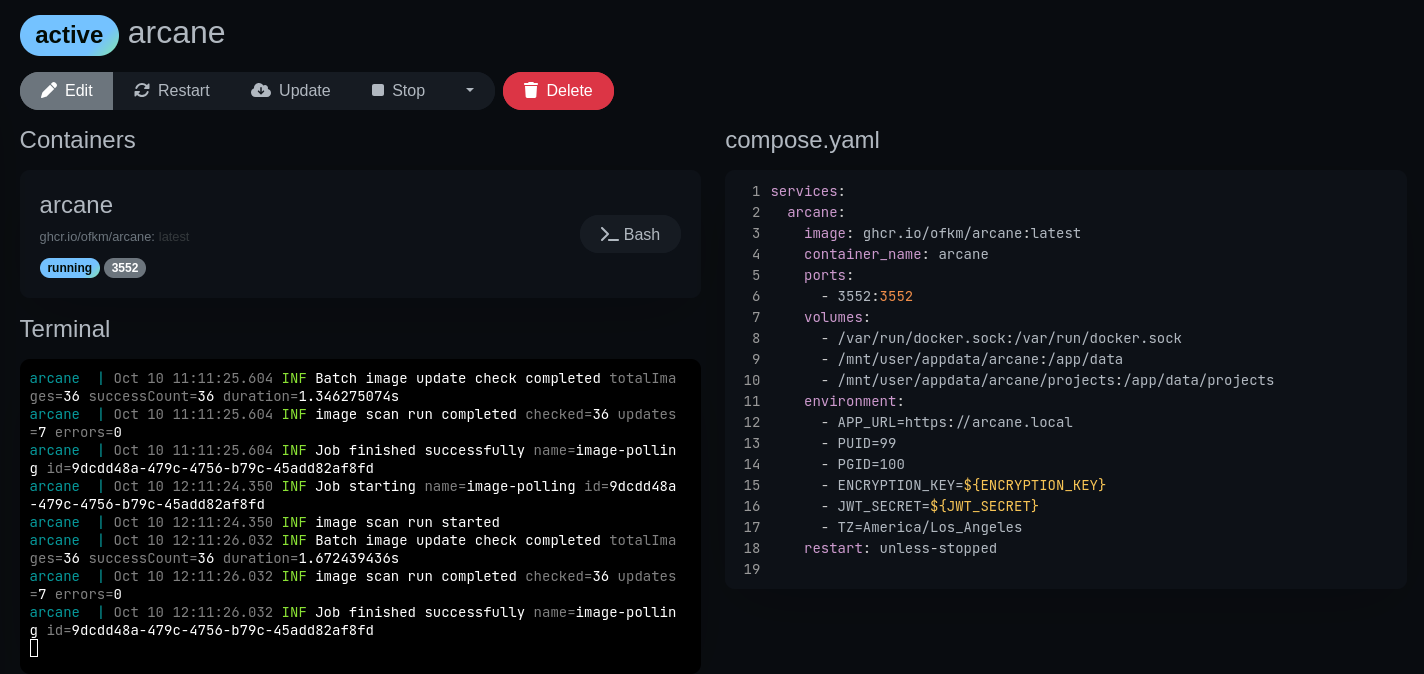 Details screen for arcane service running in Dockge.
Install / Usage
For unraid, you can simply install this via the APPS tab. I didn’t modify anything in the template. If you are not using unraid, it’s also dead simple since it can be run via a docker-compose file itself. Instructions are documented on it’s homepage.
There are 3 main ways I use Dockge on my Unraid server.
- Since I have used docker before I had an unraid server, it’s often easier for me to paste in a compose file. It can honestly be a little difficult trying to set up an Unraid app that requires a lot of configuration via the web UI versus a simple yaml file in Dockge. Prior to my Unraid server I”ve used docker for running services like Frigate, Home Assistant and Node-RED. It’s simple to manage and write a few lines of yaml to spin up a new compose stack.
- There are projects that don’t have an app template in the Unraid apps store. So I need some way to be able run and evaulate these projects on my Unraid server. Dockge allows me to easily do that.
- I prefer using Dockge when I need a “stack” (or multiple services) that should be run together. This is simpler for me to manage then having to install multiple Apps from the Unraid store in order to get something running. For example having to setup a shared postgresql instance for multiple apps. So if an Unraid app requires other apps to be installed prior, I tend to use Dockge instead. An example of this is Paperless-ngx which requires not only the web server but also a postgresql database, Gotenberg service and Apache Tika. Having all the services defined in a single file makes it easier to manage and isolates the resources to that single compose file.
What I Like About Dockge
My favorite thing about the software is how simple and easy it is to use. Versus other offerings like Portainer, Dockge is dead simple. The UI is beautiful and intuitive.
For each service I can easily manage the container (start/stop/restart/update/delete), view live logs, and exec into a bash shell directly via the UI. It’s also nice that the compose files you write are saved to a docker volume on the host machine so you can easily back-up those files.
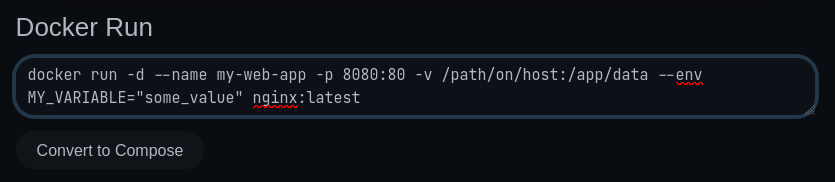
It additionally provides a small tool that allows you to convert a docker run command into a compose.yaml if the installation documentation you are looking at does not provide one.
Wants / Missing Features
While I love it’s simplicity and UI, there are some areas with room for improvements. In my personal usage the things I noticed/wanted:
- Missing ability to view pending updates for services. You can update a container via the UI, but there is no way to know in the UI or via a notificaion that an update is available. I currently use cup to check for updates, but it would be nice if this functionality were integrated.
- Adding the ability to customize the url for the stack you create. It provides links to the UI of the service, but it utilizes the IP that dockge runs on along with the port. e.g.
192.168.1.101:8080. It would be nice to be able to customize this if you are using a reverse proxy with a custom domain. - There are some small improvements that could be made in the details / edit view of the UI for a stack. It’s a little squished and can get hard to read with bigger compose files or just when trying to read the logs.
- It is currently missing support for docker secrets. You can create a separate
.envfile for the stack to store the values via the UI, but it’s still plain-text on the disk.
There’s a list of good recommendations for improvements on the discussions page that will hopefully be addressed in the future.
Final Thoughts
Despite some short comings, I still love using this for running compose stacks on my Unraid server. I should note that the developer is currently focusing time on another one of their projects, Uptime Kuma. Because of that, the project is on a bit of a pause at the moment for new features and bug fixes. But that should in no way deter you from giving it a try.